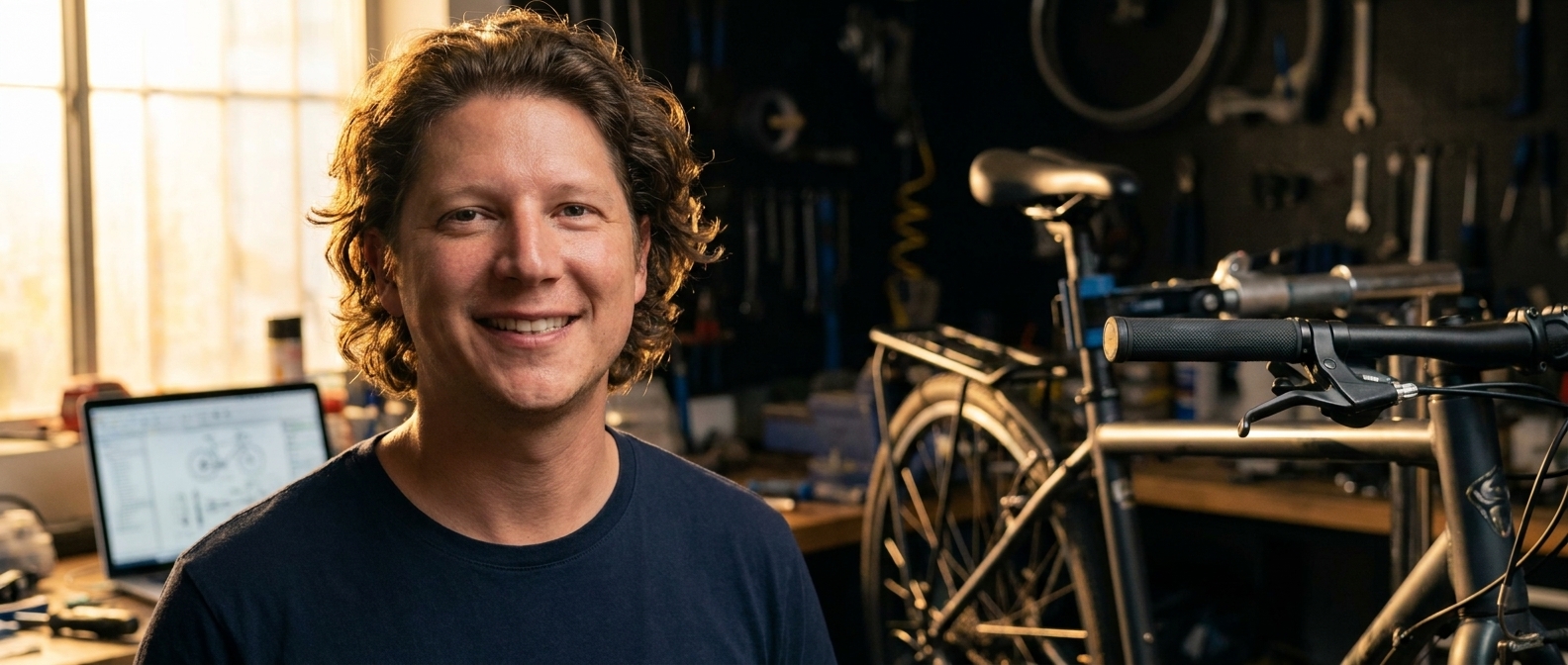
Yes. A small business owner can build their own website, and with an AI page builder the technical part takes an afternoon. What stops most people isn’t the software — it’s the blank page. If you can explain your business to a customer standing in front of you, you already have the only skill the job actually requires.
Somebody who fixes bikes asked me this, and then immediately answered it himself: “I mean, I’m not a computer guy.”
Neither is almost anyone who has built a good small business site. Here’s the thing about “not a computer guy” — it was a real objection in 2010, when building a website meant hosting panels, FTP, a theme you had to bend, and a plugin conflict at 11pm. That version of the job genuinely did require a computer guy, and the whole industry priced itself accordingly.
That job doesn’t exist anymore for a site like yours. What replaced it is describing things, which you do every single day. You tell a customer what a tune-up includes. You explain why the cheap cassette isn’t worth it. That is the skill. The rest is typing.
“Nobody is scared of the software. They’re scared of the blank page — and a blank page has never been a technical problem.”— Vincent Jordan
Let me be straight about the parts that are real, because I’m not going to tell you it’s all effortless.
You do need a domain and hosting, and you should put both in your own name — that’s an hour, once, and it’s the part that decides whether the site is genuinely yours. You need to make some decisions nobody can make for you: what you actually do, who it’s for, what you want a visitor to do next. And you need a few honest photos of your own work, which costs a phone and ten minutes of good light.
What you don’t need is code, design training, or a drag-and-drop editor you fight for a weekend. Those were never the point — they were the toll.
So what should you actually do?
Start with one section, today, and refuse to plan the whole site. The reason DIY sites die isn’t difficulty, it’s scope: somebody sits down to build “a website,” freezes at the size of it, and closes the laptop. Build the hero. Just the hero. Look at it. Then build the next one tomorrow.
Designer Talk is an AI page builder that lets you build WordPress pages by describing them in plain English — no drag-and-drop, no design skills. Get started with Designer Talk today and the first section will exist before you’ve talked yourself out of it. Set your colors and font once in Brand Settings, then just describe things. Here’s the flow, for a fictional bike shop in Boulder:
create a hero section for Kestrel Bike Repair — headline Tune-Ups and Repairs in Boulder, a line that most repairs are done in 48 hours and we work on road gravel and mountain bikes, our phone (303) 555-0172, and a Book a Repair button.
Read that prompt again. There is nothing in it you couldn’t have said out loud to a customer. Now the photo — photos never go in the section prompt. Hit the + button in the section chat, choose Generate Image, and describe the shot:
A bike on a repair stand in a small workshop, tools on a pegboard behind it, warm light from a side window, no people.
It saves straight to your Media Library. Click Insert, tell the section “use this as the hero background,” and then keep talking until it reads the way you’d say it:
Add a line that we do free safety checks.
Make the phone number bigger.
Put the 48 hour turnaround right under the headline.
Swap in a photo of your own shop the first quiet morning you get — a real bench always beats a generated one. Then do one more section tomorrow.
The honest answer to “can I build a website myself” is that you were always the right person to build it. You’re the only one who knows what a tune-up includes and why the cheap cassette isn’t worth it. What you were missing was a way to put that on a page without learning somebody else’s software first.
Describe it the way you’d explain it to a customer — on a WordPress site you own.
Get Started Today