Most small businesses need one well-built page with six or seven sections — a clear header, a hero that names your service and area, your services, proof, an about section, and a contact section with a visible phone number. Add separate pages only when each one answers a different search: a page per major service, a page per location, and a blog when you genuinely have something to say.
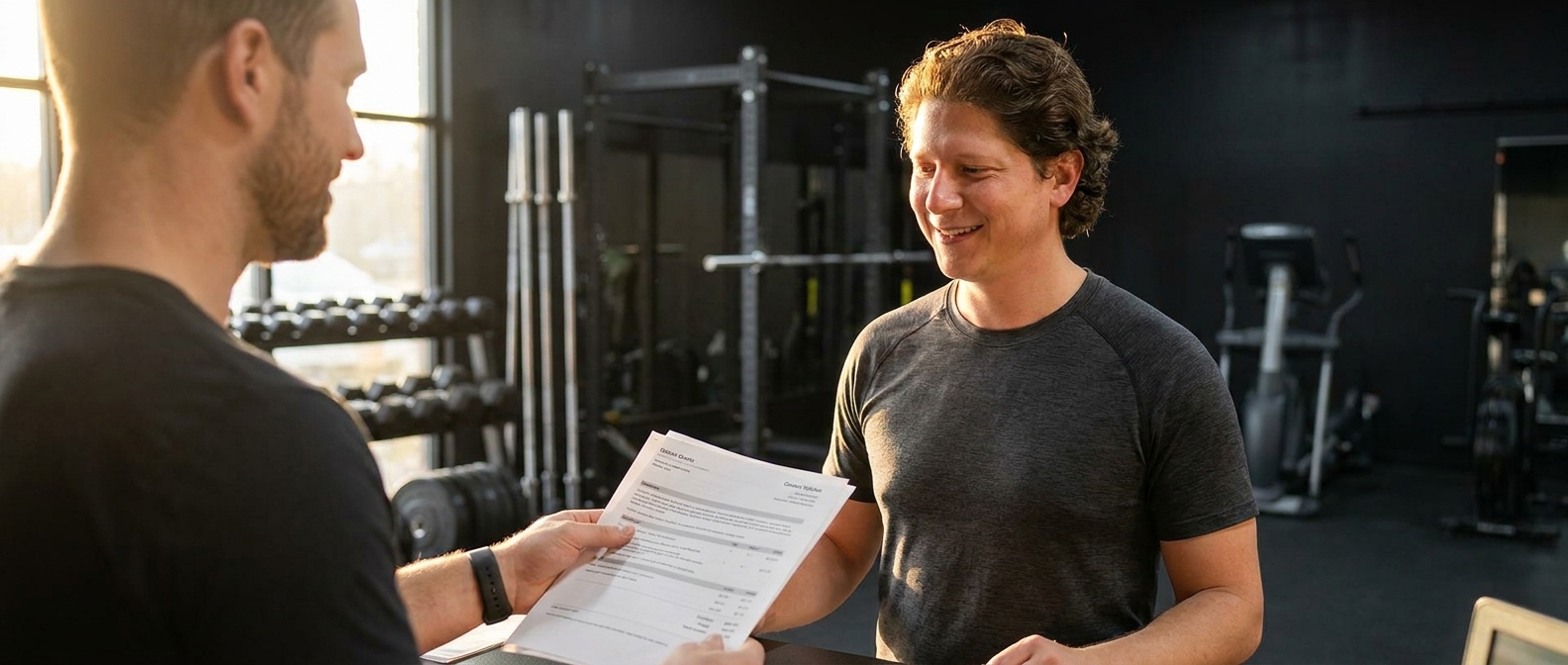
A gym owner showed me a quote last month. $4,800 for a twelve-page website. I read the sitemap out loud to her: Home. About. Our Mission. Our Values. Our Process. Our Team. Gallery. Blog. FAQ. Testimonials. Careers. Contact. Eleven of those twelve pages existed for one reason — because the quote was priced per page. Pages are how agencies bill. They are not how customers buy.
Here’s what customers actually do: they land on your site carrying three questions — do you do the thing I need, do you do it where I live, and how do I book you — and they try to answer all three without clicking anything. Every click you require is a place to lose them. “Our Values” has never closed a sale in the history of the internet. The mission statement page is a tax on your visitor’s patience, and they pay it by leaving.
“Customers don’t read websites. They scan one page looking for a reason to call you.”— Vincent Jordan
So when do you need more pages? Simple test: a page earns its existence when it answers a different search. A plumber who does drain cleaning and water heaters can win two searches with two service pages. A cleaning company in two cities can win both cities with two location pages. A blog earns its keep when you have real answers to real questions people type. That’s it. If a page doesn’t match a search or close a sale, it’s decoration — and you’re paying by the page for it.
So what should you actually build?
Start with the one page that does the selling, laid out in this order:
- Header — your name, a couple of links, and one button that books the job.
- Hero — the service, the area, and one action. Six words beat sixty.
- Services — three to five clear offers, not a menu of everything you’ve ever done.
- Proof — reviews with names and numbers, photos of real work.
- About — one honest paragraph and a real face. People hire people.
- Contact — a visible phone number and a short form. Above the footer, not in it.
And building that page no longer takes a designer or a month. Designer Talk is an AI page builder that lets you build WordPress pages by describing them in plain English — no drag-and-drop, no design skills. Each section is its own conversation: you describe it, it appears in a live preview, and you refine it by replying. (Get started with Designer Talk today and build yours as you read.) Set your colors and font once in Brand Settings and every section comes out matching — which is why real prompts are one casual sentence. Here’s the flow, for a fictional bakery in Savannah:
Create a hero section for Golden Crumb Bakery in Savannah — headline about fresh sourdough and custom cakes baked daily, our phone number (912) 555-0183, and a button that says Order Ahead.
Now the photo — photos never go in the section prompt. Hit the + button in the section chat, choose Generate Image, and describe the shot:
A rustic bakery counter stacked with golden sourdough loaves and a glass case of pastries, warm morning light, a little flour dust in the air.
It saves straight to your Media Library. Click Insert on the image, tell the section “use this as the hero background,” then keep talking until it’s right:
Add a line that we open at 7 a.m. Tuesday through Sunday.
Make the Order Ahead button bigger.
Add a second smaller button for custom cake orders.
Repeat that for the six sections above and you’ve built the only page most businesses ever need — in an afternoon, on a WordPress site you own. When a second page genuinely earns its place, you build it the same way: by describing it. Nobody bills you per page for your own sentences. That twelve-page quote answers a question nobody asked. Your customers asked three — answer those, on one page, and take the rest of the afternoon off.
Describe the six sections that actually book jobs — in plain English, on a site you own.
Get Started Today