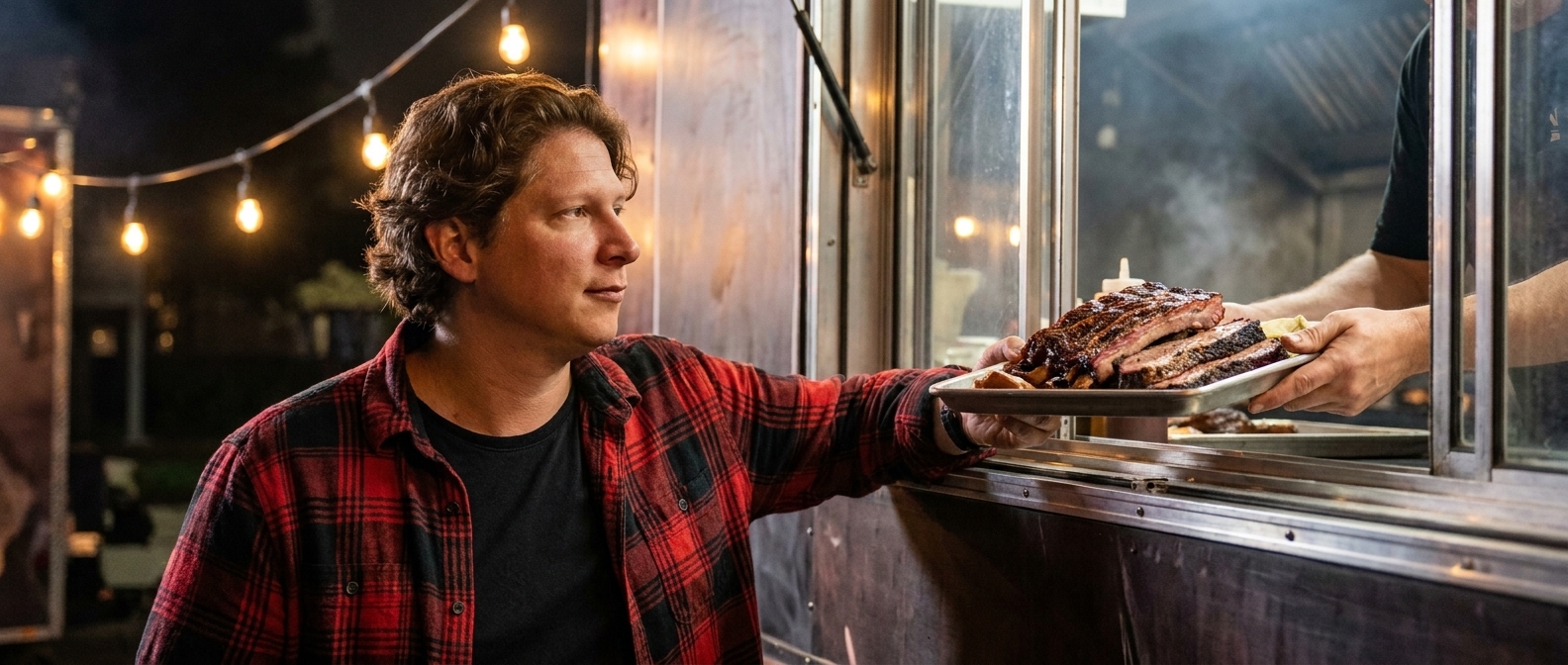
You can build a complete food truck website in about an hour by describing each section in plain English to an AI page builder — no code, no drag-and-drop, no designer. Below is the full playbook: the seven sections a food truck site actually needs, the exact prompts that build each one (copy and paste them), what it costs compared to hiring it out, and answers to the questions truck owners ask most.
Why most food trucks still don’t have a real website
Count how many times you answered the same question this week: “Where are you today?” It came in as an Instagram DM, a Facebook comment, a text from a regular who lost track of your stories. You answered it from the service window, mid-rush, with brisket on the board. Your location — the single most valuable piece of information your business produces — lives in a story that deletes itself in 24 hours.
Here’s the trap: food trucks are built on social media, so social media feels like the business. But your schedule evaporates daily, your menu is a photo from March, and the catering inquiries — the $2,000 weddings and corporate lunches that actually move your year — are buried in a DM pile between fire emojis. Meanwhile someone just searched “food trucks near me” or asked ChatGPT where to get lunch in your part of town, and the truck that came up wasn’t yours, because feeds don’t rank and stories don’t get cited.
The agency quote to fix it? A few thousand dollars, for a site you’d still have to update from your phone at 6 a.m. That’s why most trucks never do it. In 2026 the math changed: the site that answers “where are you today?” while you sling lunch takes an afternoon to build — and one sentence a week to keep current.
Can AI really build a food truck website?
Yes — and you already talk about your truck all day, which is the only skill it takes. Designer Talk is an AI page builder that lets you build WordPress pages by describing them in plain English — no drag-and-drop, no design skills. You describe a section the way you’d describe it to a customer at the window — “bold hero with our smoked brisket sandwich, headline about Nashville’s slowest-smoked BBQ, a button that shows this week’s schedule” — and it appears in a live preview. Too tame? Say so. Want the schedule higher? Say that. Each section is its own conversation, so you refine one piece at a time without touching the rest.
The result is a real WordPress site on your own domain — a home base the algorithm can’t bury, where the schedule lives at a link that never expires.
Get started with Designer Talk today and build along as you read — every prompt below is copy-paste, and the whole build is an afternoon.
“Your regulars shouldn’t need a detective board to figure out where lunch is on a Tuesday.”— Vincent Jordan
What does a food truck website actually need?
Not twenty pages. Seven sections, in this order. This is the anatomy of a food truck site that fills lines and books catering, and each one maps to a section type Designer Talk builds:
| # | Section | Why it matters for a food truck |
|---|---|---|
| 1 | Header with a “Find the Truck” button | The one question every visitor has, answered from every scroll position. This button is your whole business model. |
| 2 | Hero with the signature dish | One hero shot of the thing you’re famous for and where you roam: “Slow-smoked BBQ, all over Nashville.” Appetite first, logistics second. |
| 3 | This week’s schedule | Day, spot, hours — the section your regulars bookmark. Updating it is one sentence to the builder on Monday morning. |
| 4 | Menu with prices | Short and current, with your best photos. A menu from March with the wrong prices costs you trust at the window. |
| 5 | Catering & private events | The high-ticket section. Weddings, corporate lunches, festivals — with its own form so a $2,000 lead never drowns in DMs. |
| 6 | Reviews & press | Google stars, the local-news mention, the food blogger quote. Proof the line is worth standing in. |
| 7 | Contact + “where next” popup | A popup offering schedule updates by email or text — turning one-time festival customers into regulars who follow the truck. |
That’s the whole site. One page, seven sections, answering “where are you today?” several hundred times a week — while you cook.
The exact prompts to type (copy and paste these)
These are real prompts, in build order, for a fictional truck — Smoke & Ember BBQ in Nashville, Tennessee. Swap in your truck, your city, your dishes, and your spots, and type them into Designer Talk one at a time. Your results won’t look like anyone else’s — the AI designs each section fresh — but they’ll match what you asked for.
Two things before you type the first one. First, open Brand Settings and set your colors and font once — every section after that comes out already matching, so none of these prompts mention colors at all. Second, photos never go in section prompts: the layout builds with placeholders, and photos come from the built-in AI image generator (the + button in the section chat) or your own uploads. I’ll show you both below.
Create a sticky header for Smoke & Ember BBQ — links to Schedule, Menu, Catering, and Contact, and a Find the Truck button on the right that scrolls to the schedule. Bold, smoky, a little rough around the edges.
Create a hero section for Smoke & Ember BBQ — headline Nashville’s Slowest-Smoked BBQ, a subline that we smoke everything 14 hours over Tennessee hickory, and one big See This Week’s Schedule button.
Now the hero photo. Hit the + button in the section chat, choose Generate Image, and describe the shot:
A loaded smoked brisket sandwich with pickles on butcher paper, steam rising, dark moody background, dramatic side light.
It saves straight to your Media Library. Click Insert on the image and tell the section “use this as the hero background” — done.
Create a schedule section called Find the Truck This Week — a card for each day Tuesday through Sunday with the location name, address, and hours, like Tuesday: The Gulch, 11am–2pm. Make today’s card stand out.
This is the section you’ll touch most, and here’s the whole maintenance routine: open the section Monday morning and type “update the schedule — Tuesday we’re at Centennial Park, Friday swap to the Franklin farmers market.” That’s it. One sentence, live in minutes.
Create a menu section with our six items — brisket sandwich $14, pulled pork plate $13, smoked wings $11, loaded mac $9, brisket tacos $12, banana pudding $6 — each with a one-line description and a photo slot.
The menu builds with placeholder images — swap in your own. Hit +, upload your best shot of each dish from your phone, click Insert, and tell the section which item it belongs to. Real food photos only here: customers can taste the difference between your brisket and a stock photo’s.
Create a catering section for weddings, corporate lunches, and private events — three short bullet points on how it works, a note that we book up 4 to 6 weeks out, and a form with name, email, event date, and headcount.
Create a reviews section with five short customer quotes with first names, star ratings, a 4.9 Google rating badge, and a spot for a local press mention with an outlet logo.
Create a contact section with our phone number (615) 555-0127, email, and social links. Then add a popup that says Never Lose the Truck Again — one email field to get each week’s schedule, showing once after 15 seconds.
Seven short prompts. Read them back — there’s nothing technical in a single one of them. And nothing is final: every section is a conversation, so when something’s not quite right, you just say so:
Make today’s schedule card pop more.
Swap the hero headline for something hungrier.
Move the catering section above the reviews.
That’s the entire “how,” and it’s the part agencies hope you never figure out.
Two tips from watching a lot of these builds: lead with the dish, not the truck — “slow-smoked brisket” out-pulls “mobile food experience” every day of the week, because hungry people search for food. And build top to bottom — the builder keeps sections visually consistent, so a header-first build gives everything else a style to follow.
What does a food truck website cost in 2026?
| Option | Upfront cost | Ongoing cost | Time to launch | Who does the work |
|---|---|---|---|---|
| Web design agency | $2,500–$7,000 | $50–$200/mo maintenance | 3–6 weeks | Them — and every schedule change is an email away |
| Freelancer | $800–$2,500 | Varies | 2–4 weeks | Them — quality and availability vary |
| Wix / Squarespace | $0 | $192–$588/yr, forever | Days–weeks | You, with drag-and-drop, on their platform |
| POS “profile pages” (Square, Toast) | $0 | Bundled into monthly POS fees | Hours | A template that looks like every other truck on the platform |
| AI page builder + WordPress hosting | A fraction of an agency build | Standard WordPress hosting | An afternoon | You, by describing what you want |
The honest comparison isn’t the money — it’s the Tuesday-morning schedule change. The agency site is great until your spot falls through and the fix is an email, a wait, and an invoice. The POS profile looks like every other truck on the platform. The site you built by describing it updates as fast as you can type one sentence — and it stays yours no matter which POS you run.
Common questions
Do I need to know WordPress or any code?
No. Designer Talk runs inside WordPress, but building is entirely conversational — you describe sections, review them in a live preview, and hit publish. If you can run a service window at rush, this is the easy part of your day.
Will it look professional, or will it look “AI-generated”?
The sections are generated as custom-designed layouts, not filled-in templates — two trucks typing the prompts above will get two different-looking sites. Set your brand colors once in the builder’s brand settings and use real photos of your food; that’s what makes it unmistakably yours.
How do I keep the schedule current without touching code?
Open the schedule section and tell it the change in plain English — “Tuesday we’re at Centennial Park, Friday swap to the Franklin farmers market.” The section updates and you publish. It’s a one-sentence Monday-morning habit.
Can customers order online?
Yes, in stages. Start by linking your existing Square, Toast, or ChowNow ordering page from a menu button — one sentence to add. Because the site is normal WordPress, full ordering plugins can drop into a section via shortcodes whenever you want ordering on your own turf.
Do I still need Instagram if I have a website?
Keep it — but change its job. Instagram is where people discover the truck; the website is where they find it again. Every post now points somewhere permanent: this week’s schedule, the full menu, the catering form. Stories expire; your schedule link doesn’t.
Will people actually find the site on Google?
The builder includes an SEO optimization step that adds descriptive alt text, structures your headings, and generates the schema markup that helps search engines (and AI assistants) understand your pages. Beyond that: name your city and your food in your text, link your Google Business Profile to the site, and keep the schedule fresh — search engines notice pages that update weekly.
Do I need hosting?
Yes — Designer Talk is a WordPress plugin, so you need a domain and WordPress hosting. Any WordPress host works; if you don’t have one yet, Hostalot hosting plans work out of the box with the plugin.
How long does this actually take?
Budget an afternoon: about an hour generating and refining the seven sections, and the rest gathering your food photos, your review quotes, and this week’s schedule — which you already know by heart.
Build it this week
The seven prompts above are the whole playbook. Copy them, swap in your truck and your city, and the site can be live before Friday’s dinner rush. Your Instagram keeps doing what it does — but from now on every post points somewhere you own, where the schedule never expires and the catering leads never drown. Stop answering “where are you today?” one DM at a time; answer it once, at a link, forever.
Seven prompts, one afternoon, and “where are you today?” answers itself while you cook.
Get Started Today