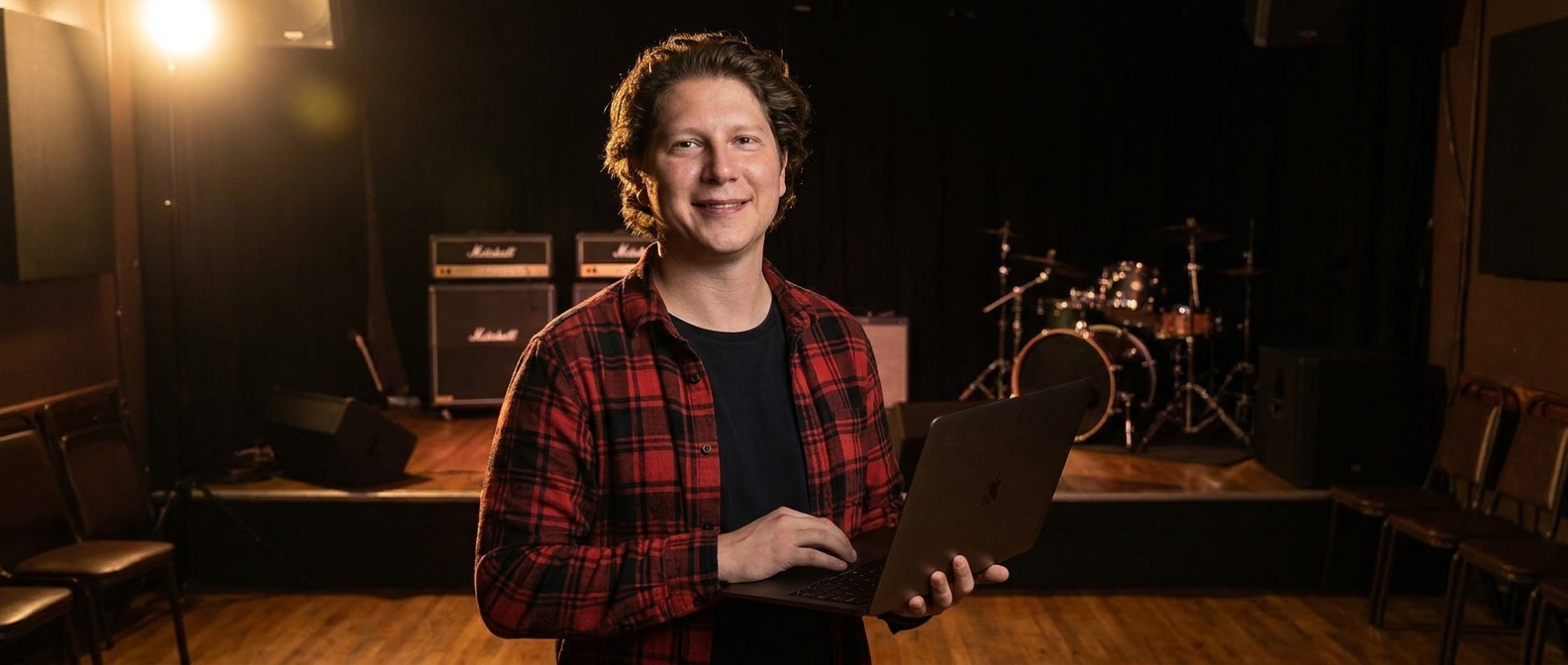
A musician website exists for the people who can give you money and stages — bookers, promoters, sync agents and press — not for fans, who already live on streaming and social. Below is the full playbook: the seven sections a musician or band site actually needs, the exact prompts that build each one (copy and paste them), what belongs in an electronic press kit, why the mailing list outlives every platform, and what it costs compared to hiring out.
Why streaming links are not a website
Here’s a scene that happens a few hundred times a week somewhere in this country.
A talent buyer at a 300-cap room has one Thursday left to fill in October. She’s got forty emails. She opens yours, and it says “Hey! We’d love to play your venue!” with a Spotify link and an Instagram handle. She clicks the Spotify link. She hears one song. And now she needs to know four things you didn’t tell her: are they actually good live, can they draw in this city, how many people are in the band, and are they going to be a problem.
She cannot get any of that from Spotify. So she opens the next email.
Here’s the thing. Your streaming profile is a jukebox. Your Instagram is a feed that buries everything older than a week. Neither of them can hold a stage plot, a live video, a press quote, a hi-res photo, or a list of the rooms you’ve already sold out. Those are the things that get a Thursday in October, and there is exactly one place they can all live at once.
And the other half of it: every platform you’re relying on can change its mind. Reach gets throttled, a service reorganizes its artist pages, an algorithm decides your posts are less interesting this month. You didn’t do anything wrong and your audience got quieter. That’s renting leads instead of owning your pipeline — and in music the rent is a mailing list you never built.
Can AI really build a musician website?
Yes — and the only skill it needs is the one you use when someone asks what you sound like at a party. Designer Talk is an AI page builder that lets you build WordPress pages by describing them in plain English — no drag-and-drop, no design skills. You describe a section the way you’d say it out loud — “a tour dates section with the city, the venue, the date and a ticket link” — and it appears in a live preview. Too polished? Say so. Want the next show huge at the top? Say that. Each section is its own conversation, so you push it until it looks like your band and not a template.
What you end up with is a real site on your own domain — the one URL you can put in every bio, every email signature, and every poster, that still works after the next platform shakeup.
Get started with Designer Talk today and build along as you read — every prompt below is copy-paste, and the whole build is an afternoon off the road.
“Fans will find you on Spotify. Bookers won’t — and bookers are the ones holding the calendar.”— Vincent Jordan
What should a musician website include?
Not a discography museum. Seven sections, in this order:
| # | Section | Why it matters for a musician |
|---|---|---|
| 1 | Header with Shows and Listen | Two things everyone came for, on every scroll. Add a small Booking link pointed at the press kit — the person who needs it shouldn’t have to hunt. |
| 2 | Hero: who you are, what you sound like, next show | “Four-piece from Athens, Georgia — loud guitars and close harmonies. Next: Oct 12, Nashville” does more work than a moody photo with no words. Say the genre in plain language; nobody can hear your hero image. |
| 3 | Tour dates | The most-visited block on any artist site, and the first thing a promoter checks to see whether you’re active and routing near them. Keep past dates visible somewhere — a history of rooms you’ve played is proof you can fill one. |
| 4 | Listen | An embedded player plus links to every service. Not a wall of logos — one obvious play button and then the links, because half your visitors just want to hear the thing without leaving. |
| 5 | Press kit (EPK) | The section that gets you booked: short bio and a one-line description, hi-res photos to download, stage plot and input list, press quotes, and the booking email. Talent buyers are looking for exactly this and are annoyed when they have to ask. |
| 6 | Live video | One good clip of you actually playing to actual people. A buyer is asking “are they good live and does anyone care” — thirty honest seconds of a real room answers both faster than any bio. |
| 7 | Mailing list & contact | The only audience you own outright. An email list still reaches people when a platform decides you’re less interesting this quarter. Put the signup somewhere obvious and give a reason — early tickets, a demo, first look at dates. |
That’s the whole site. One page, seven sections, and everything a buyer needs is above one email.
The exact prompts to type (copy and paste these)
These are real prompts, in build order, for a fictional band — Junie Vale, a four-piece out of Athens, Georgia, touring the southeast. Swap in your act, your city, your dates and your links, and type them into Designer Talk one at a time. Your site won’t look like anyone else’s — the AI designs each section fresh — but it’ll match what you asked for.
Two things before you type the first one. First, open Brand Settings and set your colors and font once — every section after that comes out already matching, which is why none of these prompts mention colors. Second, photos never go in section prompts: the layout builds with placeholders. And for a band, essentially every photo has to be a real one — more on that below the prompts.
create a header for Junie Vale — links to Shows, Listen, Video, and Press Kit, and a Shows button on the right.
create a hero section for Junie Vale — headline the band name big, a line that we are a four piece from Athens Georgia playing loud guitars and close harmonies, our next show date and city underneath, and two buttons, Tickets and Listen.
Now the hero photo. This one has to be a real band photo — upload your best press shot (+ → upload → Insert). If your press photos are old or you’re between lineups, generate a neutral background to hold the layout while you book a photographer. Hit +, choose Generate Image, and describe it:
An empty small music venue stage before doors, amps and a drum kit lit by warm stage wash, deep shadows, no people.
It saves straight to your Media Library. Click Insert and tell the section “use this as the hero background.” Replace it with a real photo of the band the moment you have one — and never generate an image of “your band.” A buyer who meets four people that look nothing like the picture has learned the wrong thing about you.
create a tour dates section — a list with the date, city, venue, and a Tickets link for each show, upcoming dates first, and a smaller past shows list underneath.
create a listen section — space for an embedded player at the top, then simple text links to Spotify, Apple Music, Bandcamp and YouTube underneath.
create a press kit section — a short band bio, a one sentence description writers can quote, download links for hi res photos and the stage plot and input list, two press quotes, and our booking email.
create a video section with one large featured live video and two smaller ones underneath, each with the song name and where it was filmed.
create a mailing list and contact section — an email signup with a line that subscribers get first shot at tickets and hear new songs early, plus our booking email and management contact underneath.
About photos, because this is the one place bands get themselves in trouble: press photos are usually the photographer’s copyright, not yours. Check what your shoot agreement actually says before you post hi-res downloads, and credit the photographer on the page — it costs you nothing and it’s how you get shot again. Live shots taken by fans need permission too. And never AI-generate a photo of your band, a crowd at your show, or a venue you haven’t played.
Seven short prompts. Read them back — there’s nothing technical in a single one of them. And nothing is final: every section is a conversation, so when something isn’t right, you just say so:
Put the next show date at the very top, bigger.
Move the press kit above the video.
Add a line that we travel as a three piece for smaller rooms.
Two tips from watching a lot of these builds: put the booking email in plain text, not behind a form — a buyer working through forty emails will not fill in a form to reach you. And keep the tour dates current even when the answer is “nothing booked.” A dates section frozen eighteen months ago tells a promoter the band is over, and that’s the part the platforms can’t fix for you.
What does a musician website cost in 2026?
| Option | Upfront cost | Ongoing cost | Time to launch | Who does the work |
|---|---|---|---|---|
| Web design agency | $2,000–$6,000 | $50–$200/mo maintenance | 3–6 weeks | Them — and every tour date is a ticket |
| Freelancer | $600–$2,500 | Varies | 2–4 weeks | Them — quality and availability vary |
| Artist website platform | $0 | Monthly, forever | Days | You, inside their system — leaving means rebuilding |
| Link-in-bio page only | $0 | $0–monthly | Minutes | Nobody — and it holds no press kit, no dates, no list |
| AI page builder + WordPress hosting | A fraction of an agency build | Standard WordPress hosting | An afternoon | You, by describing what you want |
The comparison that matters here isn’t cost, it’s what survives. Bands change names, labels, lineups and platforms. The domain and the mailing list are the only two assets that carry across all of it — and a link-in-bio page holds neither.
Common questions
Do I need a website if I’m on Spotify and Instagram?
For fans, arguably not. For anyone who books, books press, or licenses music, yes — none of those platforms can hold a stage plot, hi-res downloads, press quotes, a tour history or your booking email in one place. Streaming and social are where people find you. The site is where the person with a calendar decides about you.
What is an EPK and what goes in it?
An electronic press kit is the page a talent buyer, promoter or writer opens instead of emailing you questions. It holds a short bio, a one-sentence description they can quote, downloadable hi-res photos, your stage plot and input list, a couple of press quotes, and the booking email. Keep it on your own site rather than a PDF in a shared drive — links rot, and PDFs don’t show up in search.
Should I sell merch on my site?
Only if you already have inventory and a way to ship it. Otherwise point at whatever store you already use. Fulfilment is a real job, and a store page with two sold-out items reads worse than no store at all. The site’s core job is shows, sound and the press kit.
Do I really need a mailing list?
It is the single most durable asset in this list. Platform reach changes without warning; an email address does not. You do not need to email often — a few times a year around a release or a run of dates is plenty. Give a concrete reason to sign up, such as early tickets or hearing a song first.
What photos can I actually use?
Your own, or ones you have a license for. Press photos are typically the photographer’s copyright — check your shoot agreement before posting hi-res downloads, and credit them on the page. Get permission for fan-shot live photos. Never AI-generate a picture of your band, your crowd, or a venue you have not played.
How do I keep tour dates updated on the road?
You type the change. Open the dates section and say “add October 12 at The Basement in Nashville with a ticket link, and remove the Savannah date,” then publish. That is the point of the dates living as editable text — when updating takes thirty seconds from a phone in a van, it actually happens.
Will it help me show up on Google?
For your own name, yes — and that matters, because a buyer who has heard about you will search the name before they search the streaming service. Name your genre and city in plain words. The builder includes an SEO optimization step that adds alt text, structures headings and generates schema markup. You will not out-rank the streaming platforms for song titles, and you do not need to.
How long does this actually take?
Budget an afternoon: about an hour building and refining the seven sections, and the rest on the parts only you can do — writing a bio that doesn’t read like a press release, picking the live clip, and gathering the stage plot. The press kit is the part worth doing slowly.
Build it on a day off
The seven prompts above are the whole playbook. Copy them, put the next show at the top, get the stage plot and the booking email where a buyer can find them in ten seconds, and start the mailing list even if it has nine people on it. Platforms will keep changing the terms. The domain, the press kit and the list are yours — stop paying rent on your own audience.
Seven prompts, a press kit bookers can actually use, and a mailing list that outlives the next algorithm — on your own WordPress install.
Get Started Today