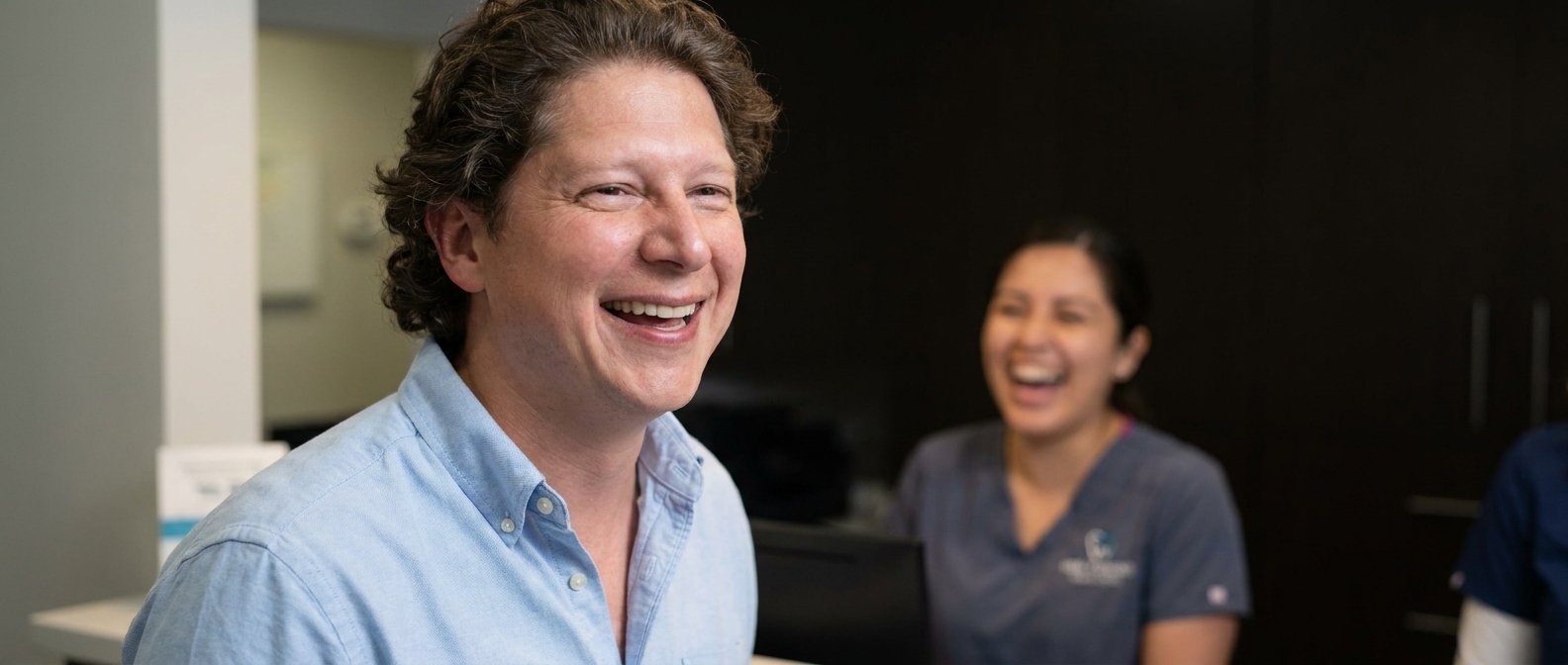
Stock photos tell a visitor nothing about you, and most people can spot them in about a second. Replace the stock hero with one real photo — your actual space, your actual team, your actual work — and pair it with a headline that names what you do and where. A slightly imperfect real photo outperforms a flawless stranger every time.
The Before
You know this homepage. I see it ten times a week.
At the top, a photograph of four people in a glass-walled conference room, mid-laugh, pointing at a laptop nobody is looking at. Under it, a headline like “Committed to Excellence.” Scroll a little and there’s the handshake — two disembodied forearms in dress shirts, closing a deal that never happened. Further down, a woman in a headset smiles at nothing, captioned We’re Here to Help. Somewhere near the bottom, a stethoscope on a wooden desk, or a hard hat resting on a blueprint, depending on the trade.
Not one of those people works there. Not one of those rooms is that business. The whole page has the texture of a brochure you’d find in a doctor’s waiting room in 2009 — and, crucially, it would work equally well for any of four hundred other companies. Swap the logo and nothing breaks. That’s the tell.
“If you can swap another company’s logo onto your homepage and nothing looks wrong, you don’t have a homepage. You have a template with your name on it.”— Vincent Jordan
What it costs you
Here’s the part that isn’t about taste. Somebody landed on your site because they’re deciding whether to trust you with something — their teeth, their roof, their dog, their money. They are scanning for one signal: are these people real, and are they near me?
A stock hero answers neither. Worse, it quietly answers a third question they didn’t ask out loud: did anybody actually put effort into this? The visitor doesn’t consciously think “that’s a stock photo.” They think “hm” and hit back, and they can’t tell you why. Run the arithmetic on your own numbers: if forty people a week land on that page and even three of them bounce on a feeling they can’t name, that’s a dozen a month, and every one of them was already looking for you.
Meanwhile the business two miles away posted one slightly crooked photo of their actual front counter, with their actual staff, and it reads as true. That’s the whole competition. You’re not losing to better photography. You’re losing to real.
The After
One section, rebuilt. Designer Talk is an AI page builder that lets you build WordPress pages by describing them in plain English — no drag-and-drop, no design skills. Set your colors and font once in Brand Settings, then describe the hero you want. Here’s the rebuild, for a fictional dental practice in Milwaukee:
create a hero section for Lakeside Family Dentistry in Milwaukee — headline Gentle Family Dentistry on the East Side, a line that we see kids and adults and are taking new patients, our phone (414) 555-0139, and a Book an Appointment button.
Now the photo — and this is the one step you can’t shortcut. Don’t generate this one. The entire point is that it’s yours: your waiting room, your front desk, your team standing in the door. Take it on a phone, in daylight, and put it in the section: hit the + button in the section chat, upload the photo, and click Insert.
use this photo as the hero background, and darken it slightly so the headline stays readable.
Then keep talking until it reads right:
Add a line that we accept most major insurance.
Put the phone number in bigger type next to the button.
Add our street and cross street under the headline.
Look at what the rebuilt section now contains, and why each piece earns its place. The real photo proves the business exists and has a face — that’s the trust signal the stranger in the headset could never send. The headline names the service and the neighborhood, which is both what the visitor is scanning for and what a search engine can match. “Taking new patients” answers the actual question in their head. The phone number and the button give them two ways to act, because some people call and some people tap. And the cross street quietly says we are near you, which is most of the decision for a local business.
Nothing in that list is decoration. Every element is doing a job the stock photo wasn’t doing.
One honest caveat, since I write about AI image generation a lot: generated photos are genuinely useful for backgrounds, textures, and mood shots where nothing is being claimed. They are not a fix for this problem. A generated “team” is the same lie as a purchased one. The camera in your pocket is the tool for this job.
Rebuild the hero by describing it in plain English, then drop in a photo you actually took.
Get Started Today