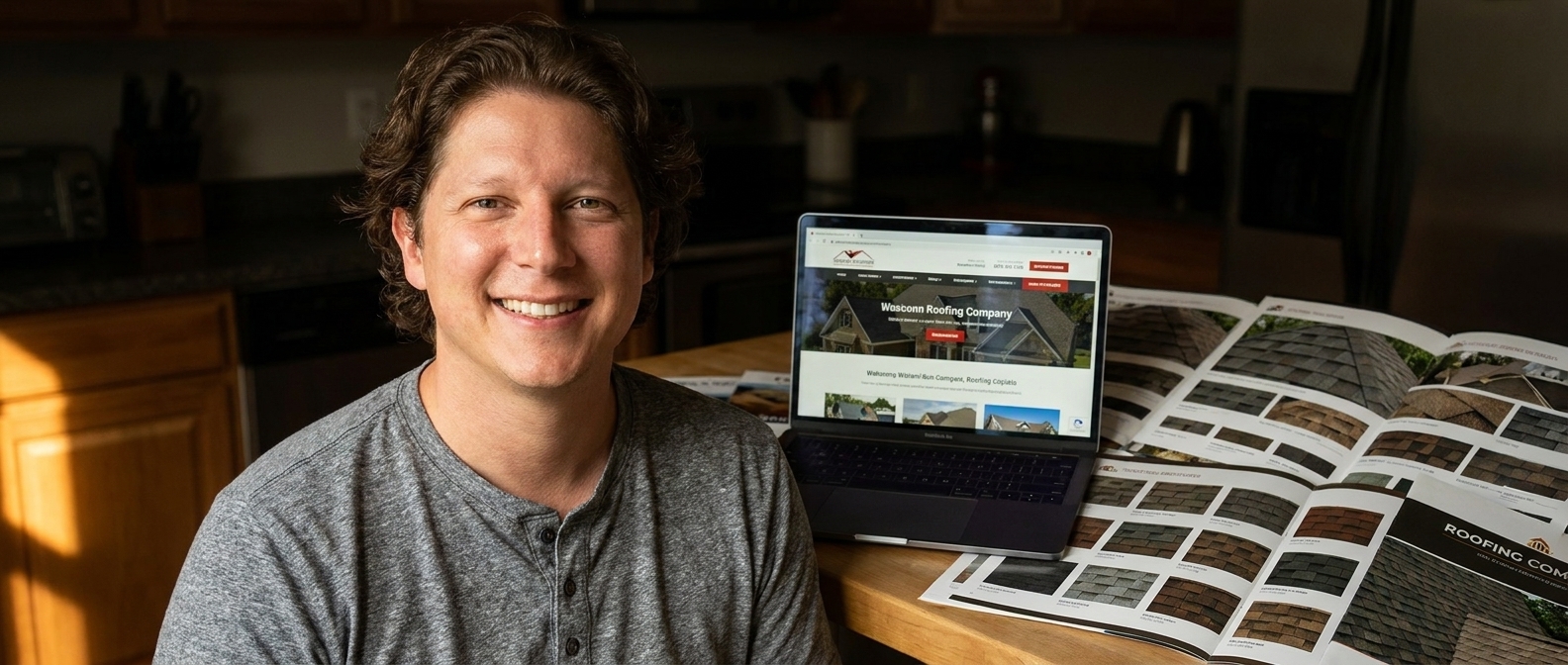
Look at enough roofing websites that actually book work and the same five pieces show up every time: a hero that answers in ten seconds, six clear services, proof you are licensed and insured, real photos of your own roofs, and one obvious next step. Most roofing sites have two of the five. The one nearly everybody is missing is the last one.
I spent a morning going through roofing websites the way a homeowner would — searching, tapping, giving each one about eight seconds before deciding whether I would call.
The good ones were not the prettiest. Two of the best looked slightly dated. What they had in common was that I never had to hunt for anything. I knew who they were, what they did, where they worked, and what to do next, without effort.
The bad ones were often better designed. They just made me work.
What do good roofing websites have in common?
Five pieces, in this order, doing five different jobs.
| Piece | The job it does | How most roofing sites get it wrong |
|---|---|---|
| A hero that answers | Who you are, what you do, where, licensed and insured, how to call | A stock house and the word “Welcome” |
| Six clear services | Tells the visitor this is the company for their exact problem | Twenty-two alphabetical bullets with replacement buried |
| Proof you are safe | License, insurance, years, manufacturer certification | Present, but on a separate About page nobody opens |
| Your own roofs | Shows the work is real and local — sometimes a recognisable street | Stock photography of houses in another climate |
| One obvious next step | Converts the visitor who has already decided to act | Three competing buttons, or a nine-field form |
Most roofing sites have the hero and the services. That is the two. The proof is usually on the About page, the photos are usually stock, and the next step is usually a mess.
Which one actually closes?
The last one, and it is not close.
Here is the thing about the visitor who reaches the bottom of your page. They already read the hero. They found their problem in your services. They are, at that moment, the most qualified person who will touch your website all week — and most roofing sites hand them a contact form with nine fields, or three buttons of equal weight, or a phone number they have to select and copy.
Every one of those is a small tax on somebody who was ready. Enough small taxes and they close the tab, and you never find out they were there.
A closing section does one thing. It repeats the offer in a sentence, gives one button, puts the tappable phone number beside it, and stops. No form. No learn more. No newsletter. One decision, already made, made easy.
“The visitor at the bottom of your page is the most qualified person on your website. Most roofing sites hand them a nine-field form.”— Vincent Jordan
Two details decide whether it works. The button says what happens next — “Get My Free Roof Inspection” beats “Submit” because it names the outcome, not the mechanism. And the phone number sits beside it, tappable, because a meaningful share of people who reach the bottom of a roofing page would rather call than type, especially the ones with water coming in.
Can AI build the closing section for you?
Yes — and this is the part agencies hope you never figure out. Designer Talk is an AI page builder that lets you build WordPress pages by describing them in plain English — no drag-and-drop, no design skills.
You describe it in a sentence. It builds it. You read it, say what is wrong, it fixes that.
Get started with Designer Talk today — build along as you read and the bottom of your page will be done before you finish this post.
Open Brand Settings first and set your colors and font once, so every section comes out matching.
The prompts to type
Three steps, same as always.
create a closing call to action section for a roofing company in boise with one button that says get my free roof inspection and the phone number next to it
One button. If you ask for three you will get three, and you will be back here in a month wondering why nobody clicks. Now the photo — it is a separate step. Hit + in the section chat, choose Generate Image:
a finished roof on a suburban home at golden hour, viewed from the street, calm and clean, no people
Click Insert, tell the section to use it as the background, then talk it into shape:
Make the button bigger and center it.
Put the phone number right under the button.
Add a line that says free inspections, no obligation.
If you have a photo of a roof you finished, use it here more than anywhere. Click +, upload, Insert. The last thing a homeowner sees should be your work, not a stock house.
Common questions
Should the closing section have a form or a button?
A button, going to a short form on its own. A long form sitting in the closing section makes the page feel like work at the exact moment the visitor decided to act. Two fields and a phone number beat nine fields every time.
Can I put the same call to action higher up too?
Yes, and you should — the hero needs its own. They can say the same thing. What you must not do is put three different offers on one page, because a visitor who has to choose between offers often chooses none.
How long should the closing section be?
Three lines and a button. A headline that repeats the offer, one line of reassurance, the button, the phone number. Anything longer is you talking to somebody who already said yes.
Five pieces, one page
You probably have two of them. The hero and the services list are the ones everybody builds, because they feel like the website.
The one that actually closes is the one at the bottom that most roofers never wrote. Open the builder, type the first prompt, and go add it.
Describe the bottom of your page the way you’d ask for the job — on a WordPress site you own.
Get Started Today